Features
Built for how tattoo artists actually book.
Flash sheets, scheduled drops, private booking links, public pages, forms, calendars, and text reminders in one Pro plan. Flat $15. You keep every deposit.
01 · Booking flows
Three ways to take a booking. Match how you already work.
Assign any flow to flash, flash sheets, or customs. Mix them how you like. Need a path that is not listed? Tell us how you book and we can tailor it.
- Book and pay: they pick, pay, and they are on the calendar
- Pay, then you approve: deposit first, you say yes or no
- Inquire first: they ask, you quote, then they pay and confirm
- Assign a different flow per flash, sheet, or custom
- Not listed? We can customize the path to how you already work
Book and pay
01Client picks a design or time, pays the deposit, and they are booked. Best for flash and open books.
Pay, then you approve
02Deposit is paid first, but the booking stays on hold until you say yes. You stay in control of who gets the slot.
Inquire first
03Client sends the request and references. You quote, then they pay and confirm. Best for customs and bigger projects.
Assign any flow to flash, flash sheets, or customs. Not listed? We can tailor the path to how you already book.
02 · Booking links
Booked someone off Studio Haven? Send a link. They finish it.
Confirmed a project in DMs, texts, or in person? Share a booking link by text, DM, or email. They pick a date with no deposit, you lock the date and they pay, or they pick a date and pay in one step. They tap the link, finish their part, and the booking lands in Studio Haven. No chasing the deposit.
- They pick a date (no deposit), you pick the date and they pay, or they do both
- Copy the link to text or DM, or email it from Studio Haven
- New or returning client: type a name and we fill the rest if they are already in your books
- When they finish, the booking is on your calendar and in your books
Choose a date + no deposit
They pick a time. You do not charge a deposit.
Pay deposit + you choose the date
You set the time. They only pay the deposit.
Pay deposit and choose a date
They pick a time and pay. They do it all.
03 · Flash sheets
Shopable flash. Piece by piece. No more "is this still open?"
Upload a whole sheet or one design at a time. If a sheet has many designs on it, each design is tracked on its own: who booked it, how many are left, size, placement, and deposit. When the last one is taken, that design shows as sold. Clients browse and book without asking in your DMs. Schedule a piece to go public at a date and time you pick. It stays hidden until then. Run a Flash Day when you want a batch of designs to open with timed slots on one date.
- One sheet, many designs, each tracked separately
- Say how many times a design can be tattooed (once, a few, or always open)
- Clients see size, placement, and deposit before they book
- Sold designs mark themselves so you are not double-booked
- Schedule a flash piece (or portfolio work) to drop at a date and time you pick
- Flash Day: one date, timed slots, designs, deposits, first come first served
- Schedule a Flash Day to open at a date and time you pick
04 · Guest spots
Guesting in another city? Add the dates. Clients pick the spot.
Travel books without a second Instagram account. Set guest locations with date ranges and hours. Flash and custom flows let clients choose where they want to sit.
- Named locations with city and date range
- Hours that only apply while you are there
- Clients pick location on flash or custom booking
- Your home shop stays clean on the calendar
Home studio
Year-round
Guest · Portland
Mar 12 to 16
Guest · Seattle
Apr 3 to 7
05 · Forms & automation
Forms, aftercare, and emails that sound like you. Templates you can edit or bring with you.
Start from our templates, edit them to match your shop, or import ones you already use. Intake and consent go out on the client portal. Aftercare and booking emails can be personalized so you are not rewriting the same message every night.
- Starter templates for intake, consent, and aftercare
- Edit any template to match your voice and rules
- Import existing form templates you already rely on
- Personalized emails and aftercare without the copy-paste grind
- Healed photo check-ins and a client portal for references
06 · Public site
Your booking page and portfolio in one place. Show the work. Take the booking.
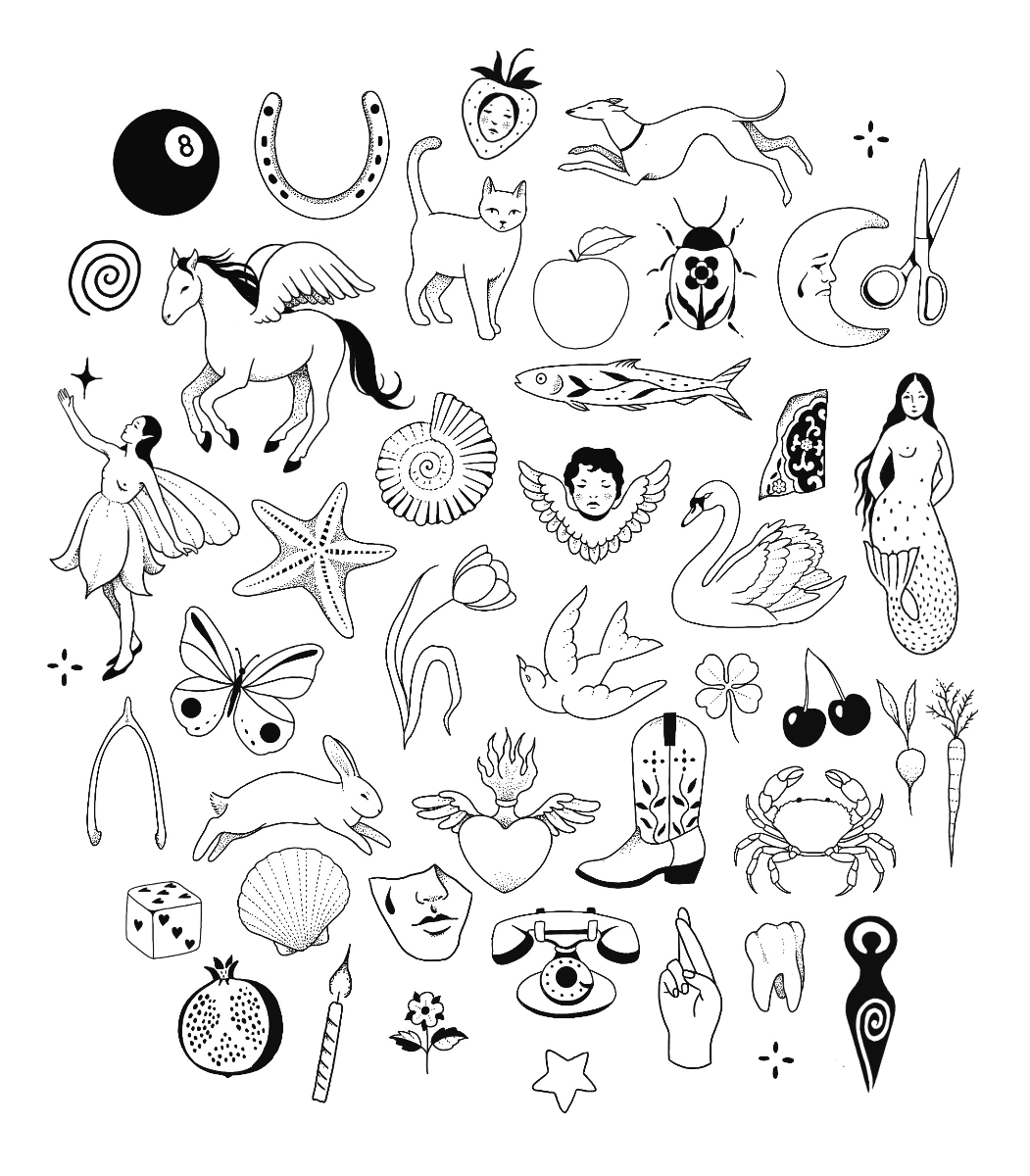
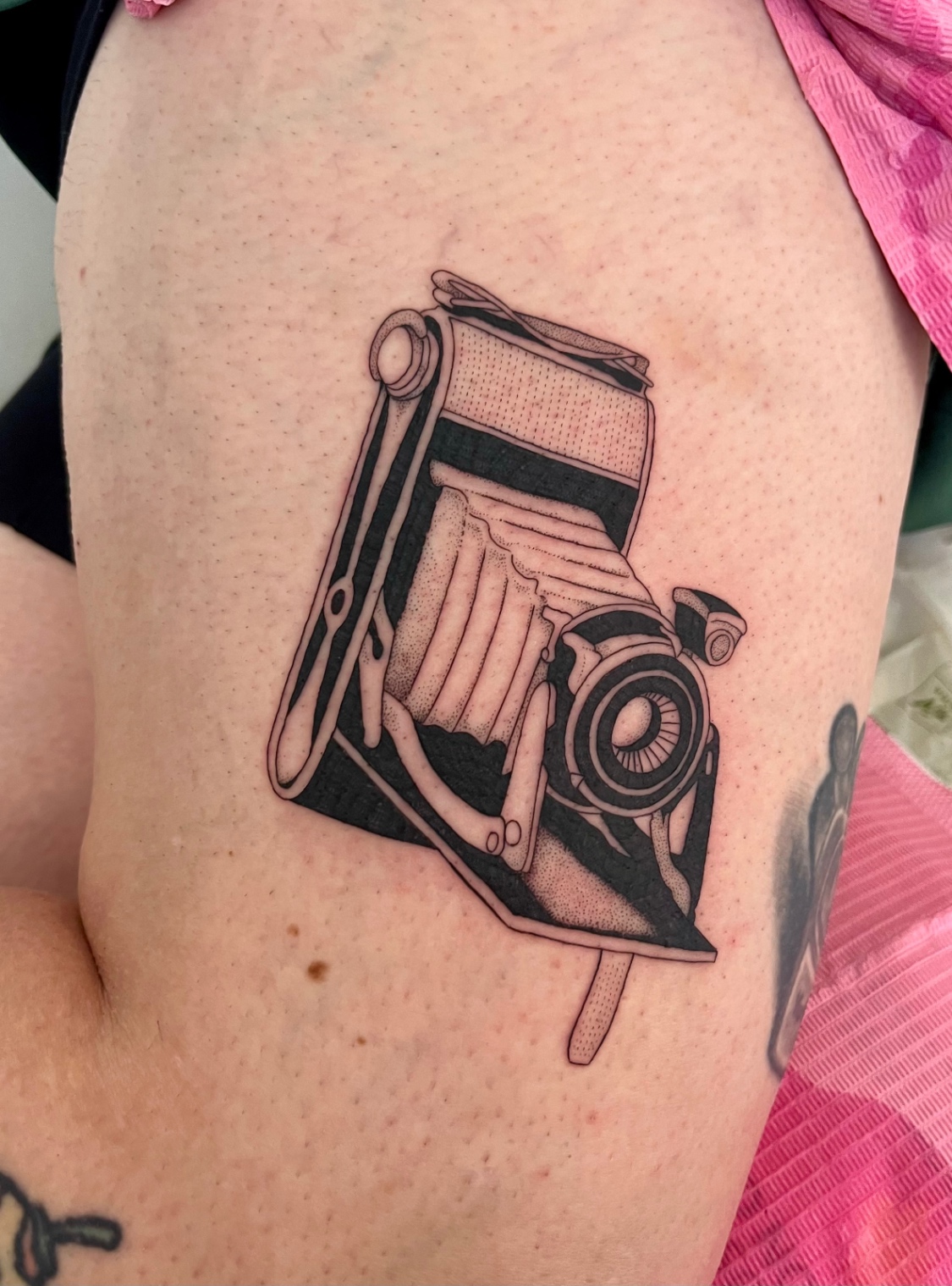
Every studio gets a public page clients can open from your bio. Flash, custom inquiries, portfolios, healed work, and anything else you want to showcase live on your brand. Clients book without hunting through DMs.
- Public booking page for flash and customs
- Portfolios and healed work clients can browse
- Showcase other pieces and pages you want on your site
- One link for Instagram, stories, and your own site

07 · Your domain
Use a domain you already own. Reach out and we connect it.
Want book.yourstudio.com or yourstudio.com on your Studio Haven page? Email us and we walk you through it. You keep ownership. Clients and search see your brand, not a shared path. Your Studio Haven link stays as backup.
- Connect a domain you already own
- We help with setup when you ask
- SEO and branding stay on your name
- Studio Haven URL keeps working as a backup
Email us and we connect a domain you already own.
08 · Client notes
Notes on every client, not lost in DMs. Remember the details that matter.
Save notes on each client in your books: preferences, placement quirks, what you talked about last time. The history stays with you so the next session starts warmer and faster.
- Notes attached to every client card
- Project history in one place you own
- Stop scrolling Instagram for old context
- Built for how artists actually remember people
Client card
Jordan M.
Prefers afternoon slots. Left forearm healed well. Ask about sleeve plan next visit.
Notes stay on the client, not lost in DMs.
09 · Finance
Know what to set aside. Before April hits.
Deposits, session value, and tax owed in one ledger. GST, HST, VAT, or US sales tax. Live numbers you can export when you file. No spreadsheet archaeology.
- Tax-ready ledger by studio
- Deposits and session value in one place
- Export when you file
- Built for CA, US, UK, and EU studios
Example ledger. Export when you file.
10 · Calendars & texts
Calendar sync and text reminders. Fewer no-shows. Less chasing.
Your bookings stay in sync with Google or Apple Calendar. The night before a session, clients get a text reminder so they show up. Multi-artist shops can share one calendar so chairs do not double-book.
- Two-way Google or Apple Calendar sync
- Automatic text to clients before their appointment
- Shared shop calendars for multi-artist studios
- Busy times blocked so clients cannot book over you
11 · Deposits
You keep 100% of every deposit. Flat $15. No platform cut.
Connect Stripe or Square. Money lands in your account. Studio Haven never holds it, and Pro takes no percentage of the deposit. Card processing still applies. Some tools look free then take about 10% of every deposit. Pro is a flat $15.
- Stripe and Square supported
- No Studio Haven cut on deposits on Pro
- Flat $15 instead of a percentage of deposits
- Flat $15 a month in your currency
- 14-day free trial from signup, no card
$50
You keep 100%. Card processing still applies.
12 · Switching help
Moving off DMs or another tool? We help you bring the books over.
Reach out when you are ready. We help with switching: importing clients, appointments, and the setup work so you are not doing it alone. Ask when you start your trial or anytime after.
- Help importing clients into your books
- Help bringing appointments across
- Walkthrough for you or your shop
- A real human replies when you ask
Everything included. Always.
$15/mo CAD in Canada · $15/mo USD in the US and Europe. Some booking tools look free, then take about 10% of every deposit. On $2,000 in deposits that is $200. Studio Haven Pro is a flat $15. You keep the rest.
As we add more, Pro artists keep access to everything. No upgrades to unlock new tools. We love working with artists on what comes next, so tell us what you need and we will shape Studio Haven into the booking platform that actually fits how you work.